
Inviting a Student
Give an eligible student access to track their own PekiTime course hours.
Parents can invite students age 13 or older to use their own student login.
Student access requires only the student's name and email address.
After the student is invited
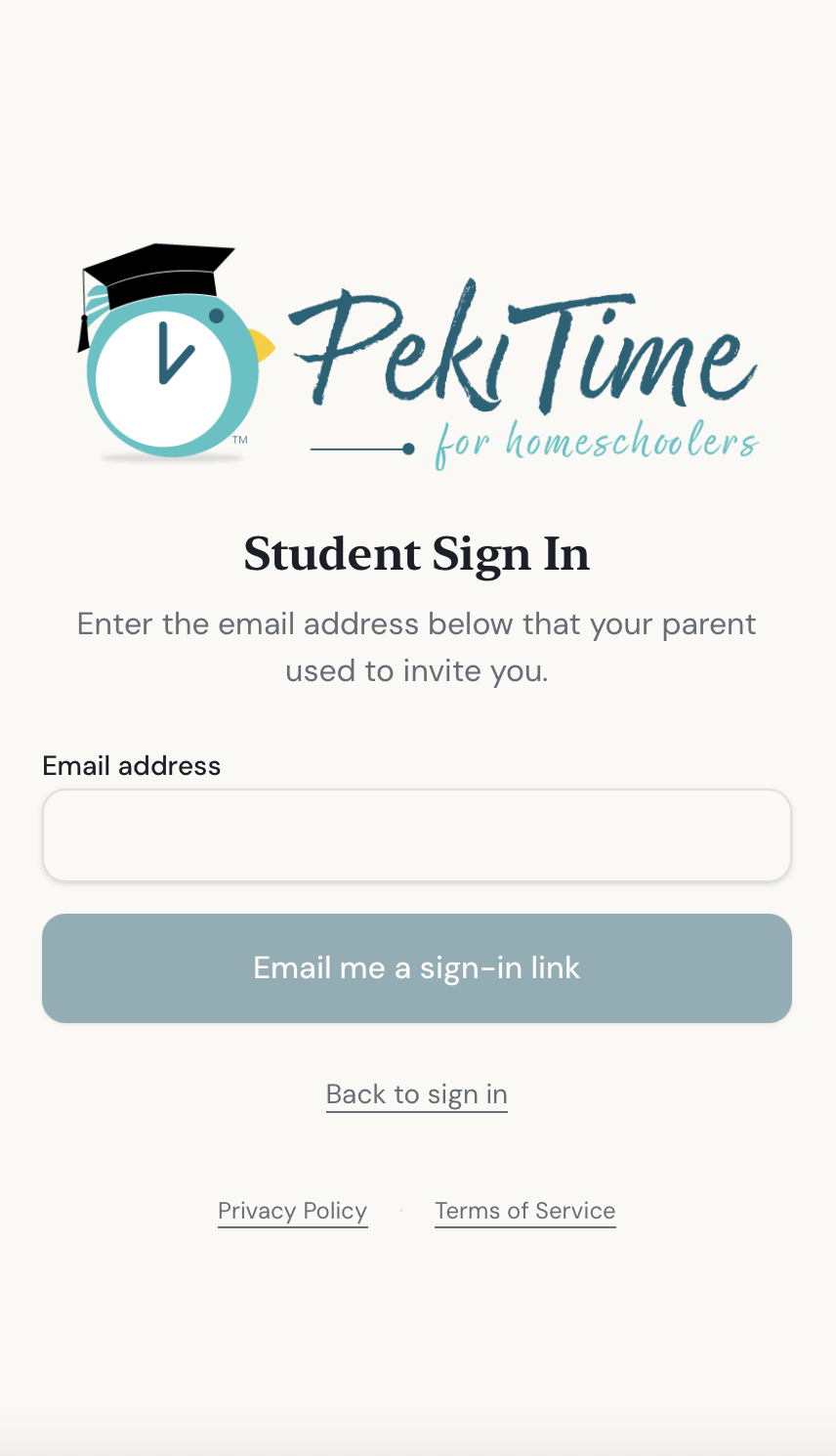
The student uses the Student Sign In page and enters the email address connected to their student account. PekiTime sends a secure sign-in link to that email address.
Students don't create a password and cannot create their own family or parent account.
Signing in again later
A student's session stays active until they log out or the session ends. After logging out, the student requests a fresh sign-in link the next time they want to access PekiTime.
Still need help?
If you couldn’t find what you were looking for, reach out and I’ll help.