
Creating Homeschool Reports
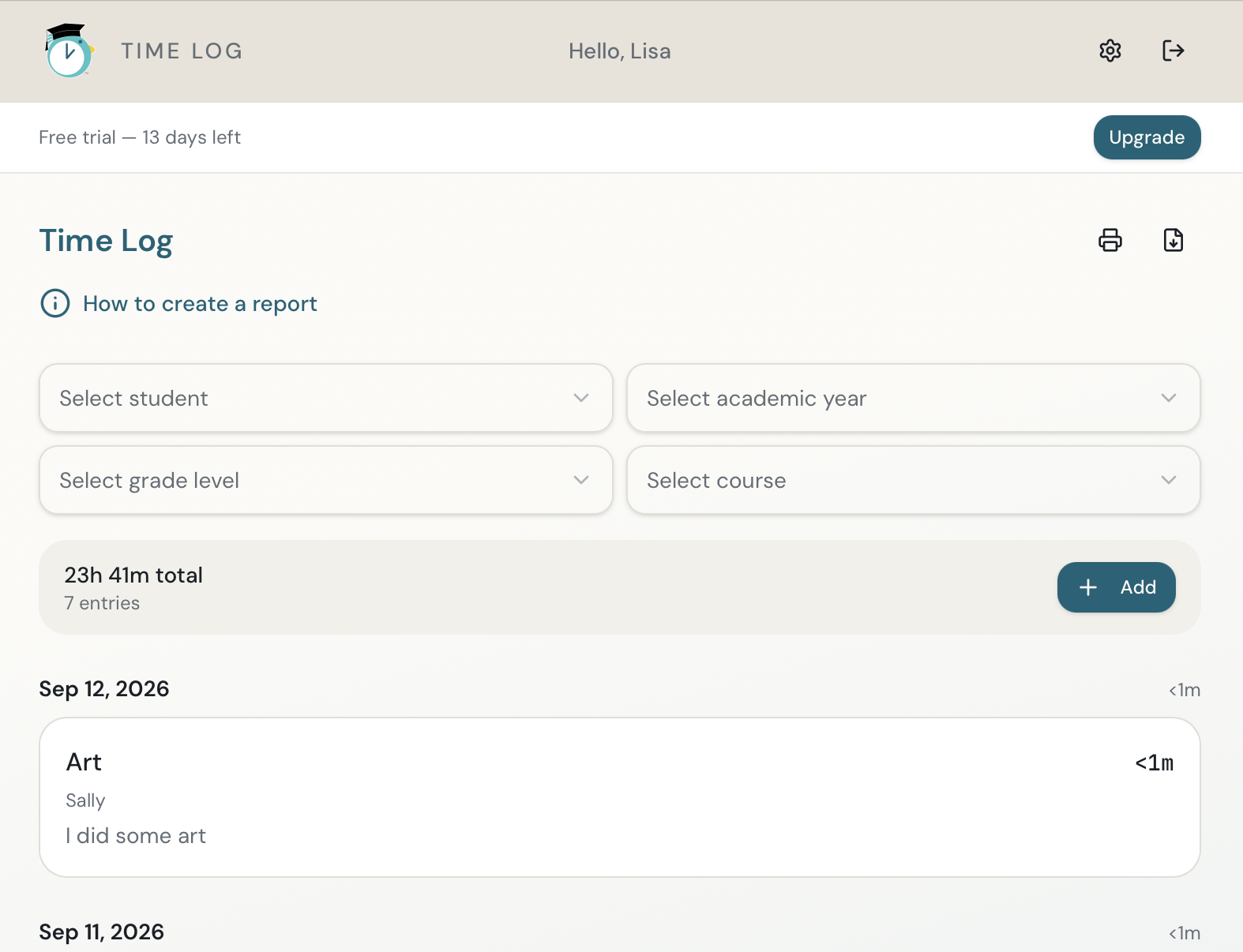
Create reports from the course hours you've recorded in PekiTime.
PekiTime Reports turn your saved course-hour entries into an organized record.
- Open Reports.
- Choose the student and reporting options you need.
- Select the appropriate course or date range.
- Generate the report.
- Print or save it for your records.
Students with their own PekiTime access can also view reports for their own records.
Still need help?
If you couldn’t find what you were looking for, reach out and I’ll help.