
Managing Clients
Add and manage the clients you track time for in PekiTime.
Clients keep your time entries organized and make it easy to create client-specific reports.
Add a client
- Open Clients.
- Select Add Client.
- Enter the client's name.
- Save the client.
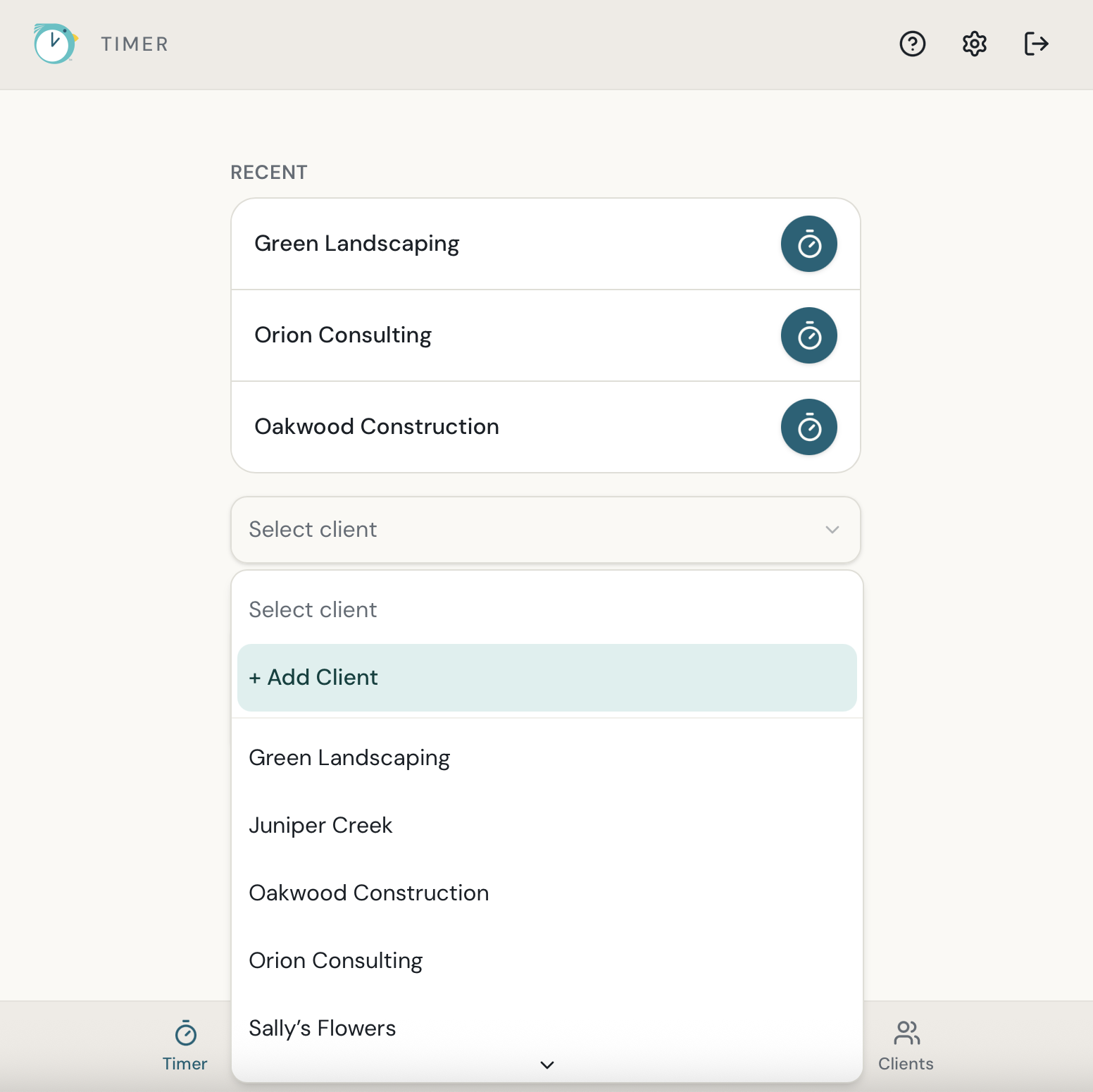
You can also add a client directly from the Timer screen.
Deleting a client
PekiTime protects clients that are connected to existing time records. If a client has time entries associated with it, those records need to be handled before the client can be deleted.
Still need help?
If you couldn’t find what you were looking for, reach out and I’ll help.