
Creating Time Reports
Create a report of your tracked client time.
Reports turn your PekiTime entries into a clean record you can save, print or use when preparing invoices.
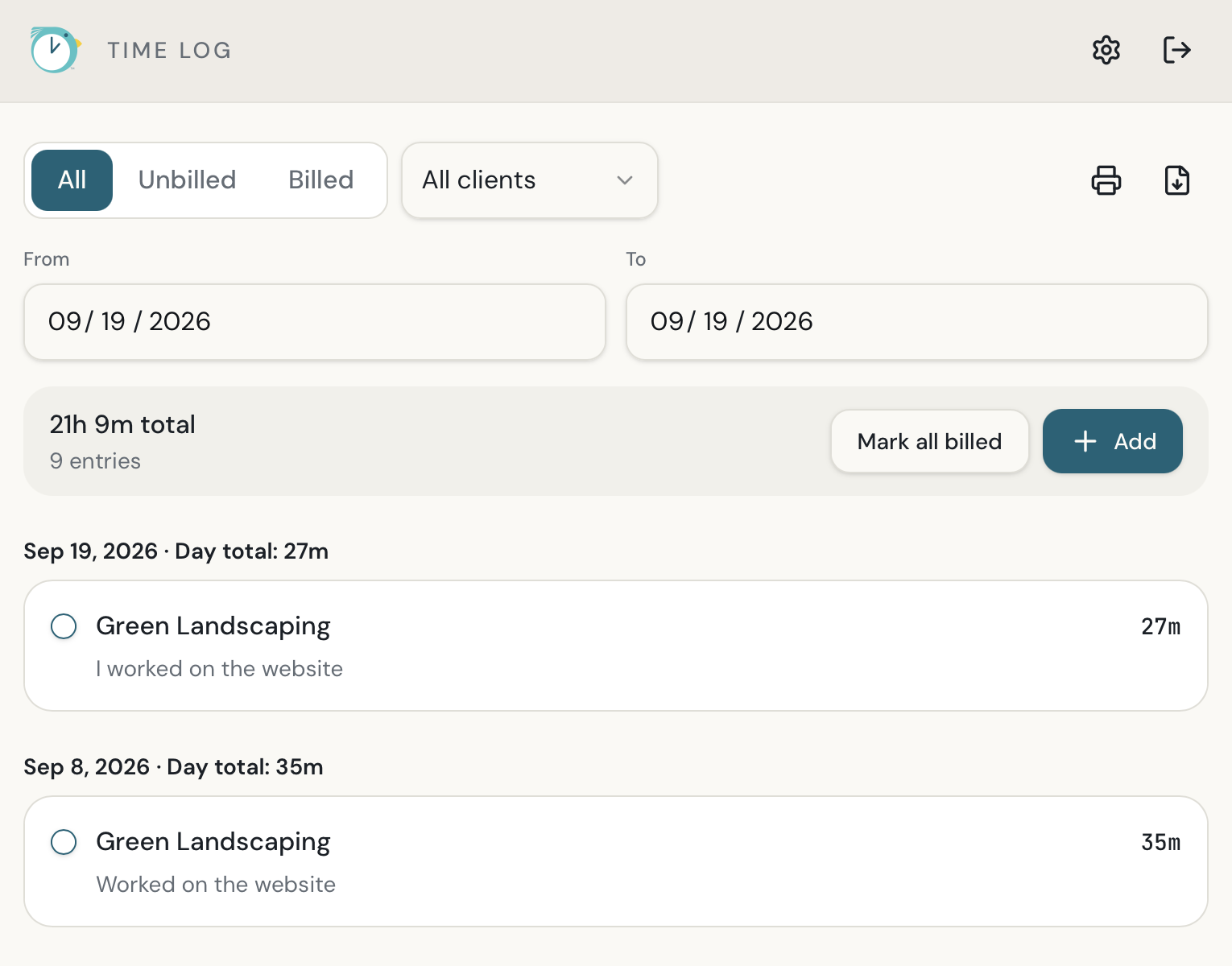
- Open Reports.
- Choose the client and reporting options you need.
- Select the date range.
- Generate the report.
- Print or save the report as needed.
Still need help?
If you couldn’t find what you were looking for, reach out and I’ll help.