
Getting Started with PekiTime for Solo Pros
Set up PekiTime for Solo Pros and start tracking your time.
PekiTime for Solo Pros is designed to get out of your way. Add your clients, start the timer when you begin working, and stop it when you're finished.
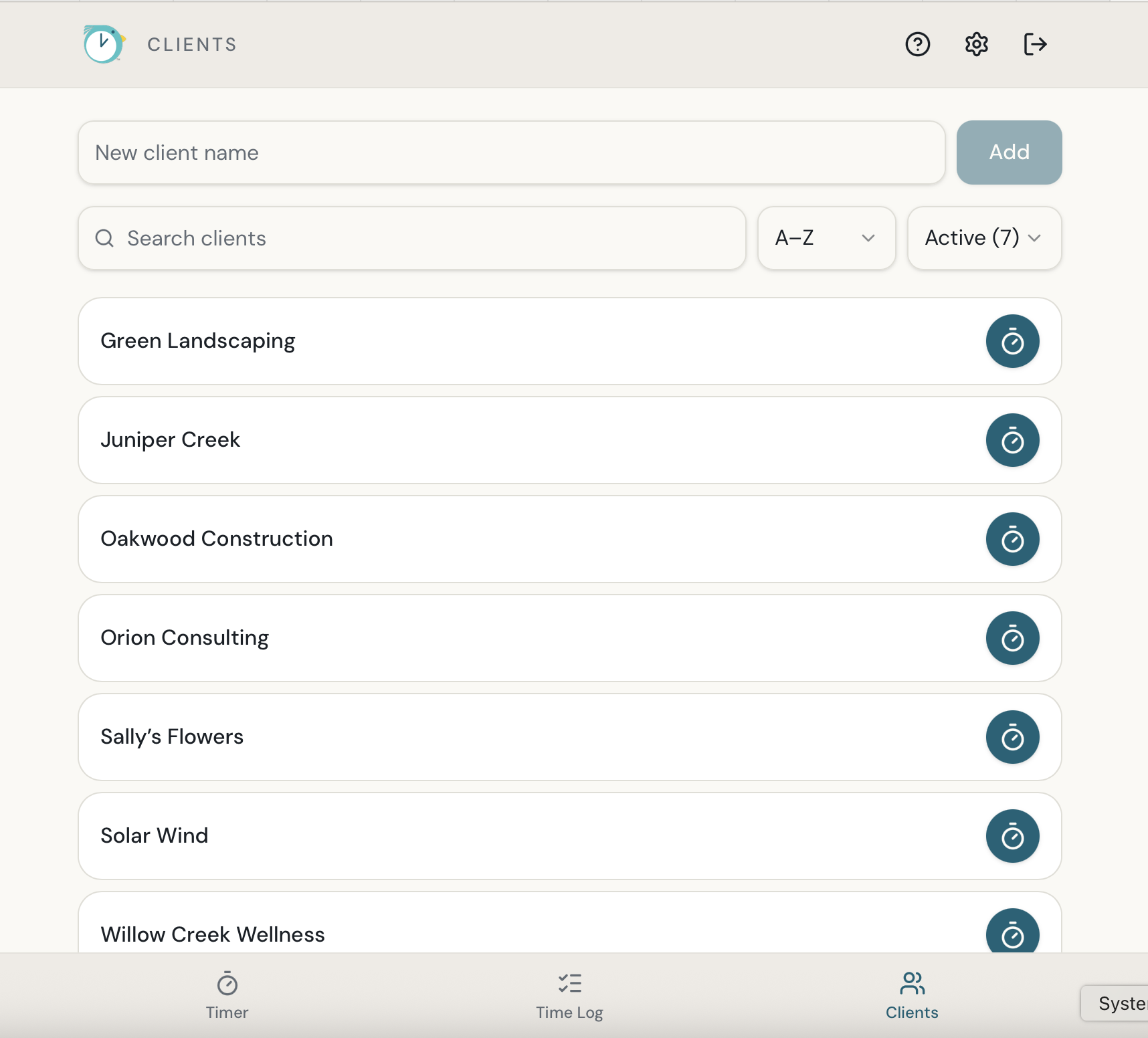
Add your first client
- Open Clients.
- Select Add Client.
- Enter the client's name.
- Save the client.
Track your first time entry
- Open the Timer.
- Choose your client.
- Select Start.
- Pause and resume the timer if needed.
- Select Stop when you're finished.
- Add a description of the work you completed.
- Save the time entry.
Your saved entry appears in your Time Log.
You can also enter time manually
Already completed the work or forgot to start the timer? Add the time manually instead. Your manual entries are included in your Time Log and reports just like timed entries.
When you're ready for a report
Open Reports to create a report for the client and date range you need. You can also include your logo on your reports.
Still need help?
If you couldn’t find what you were looking for, reach out and I’ll help.