
Getting Started with PekiTime for Homeschoolers
Add your students and courses and begin tracking course hours.
PekiTime for Homeschoolers keeps course-hour tracking simple. Start by adding your student and the courses you want to track.
Add a student
- Open Students.
- Select Add Student.
- Enter the student's first name.
- Save the student.
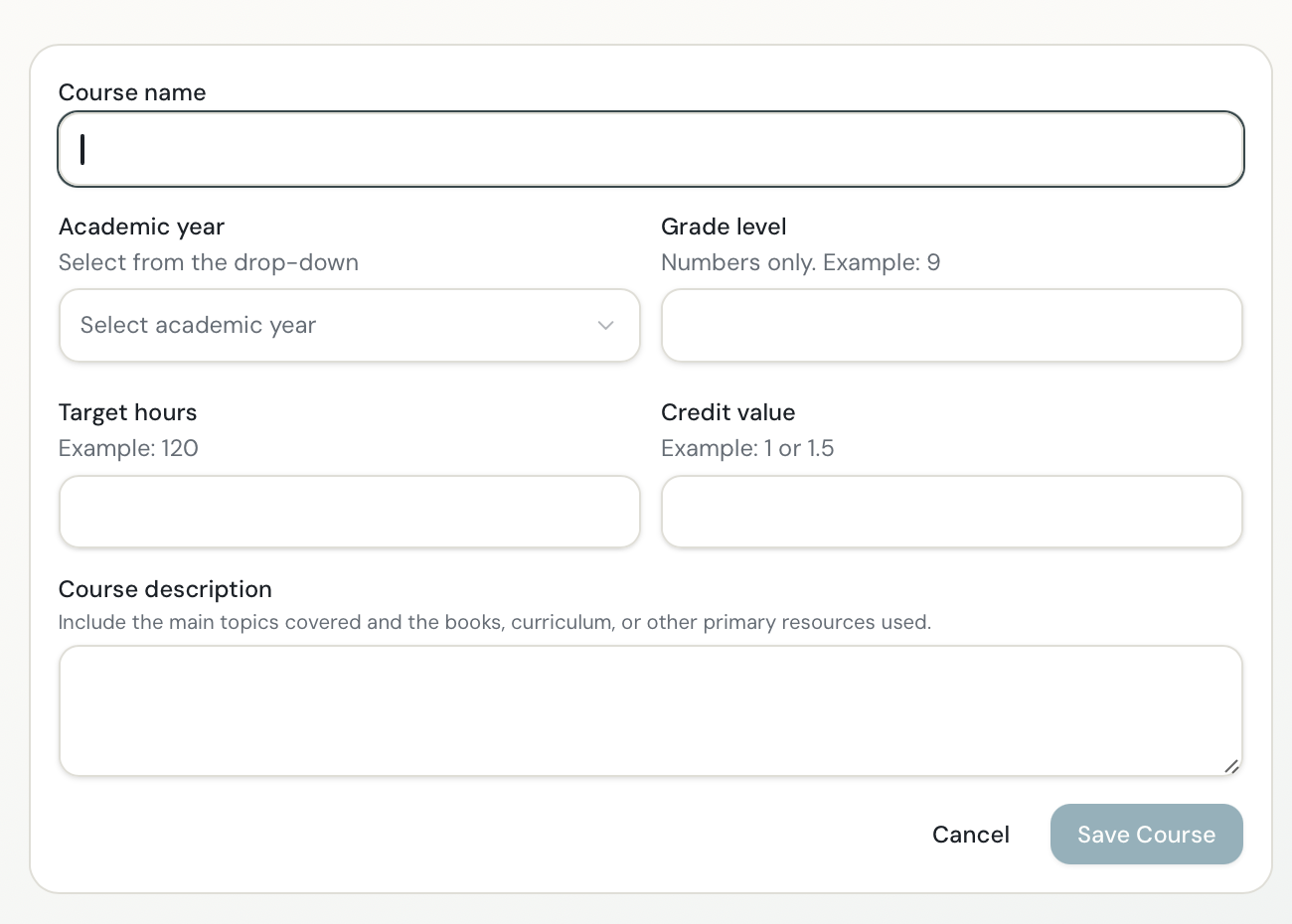
Add a course
- Select the student.
- Add the course you want to track.
- Save the course.
Track course time
- Open the Timer.
- Choose the student and course.
- Select Start.
- Pause and resume if needed.
- Select Stop when finished.
- Add a description or activity if appropriate.
- Save the entry.
The time is added to that student's course record automatically.
Manual entries
You can also add time manually. This is useful for activities you didn't time as they happened, including field trips, lessons, projects, performances or other educational activities you choose to document.
Student access
Students age 13 or older can be invited to access PekiTime with their own student login. Student accounts are optional—the parent can track everything without creating student access.
Students can track their own course time and manage their own entries, but they cannot see or access another student's information.
Still need help?
If you couldn’t find what you were looking for, reach out and I’ll help.